
Big Walk's input scheme is simple to pick up, but two ideas matter more than button names: your arms are a communication tool, and everything is rebindable. This page sticks to what official hands-on coverage and the FAQ confirm, rather than guessing default key labels.
The two things that matter
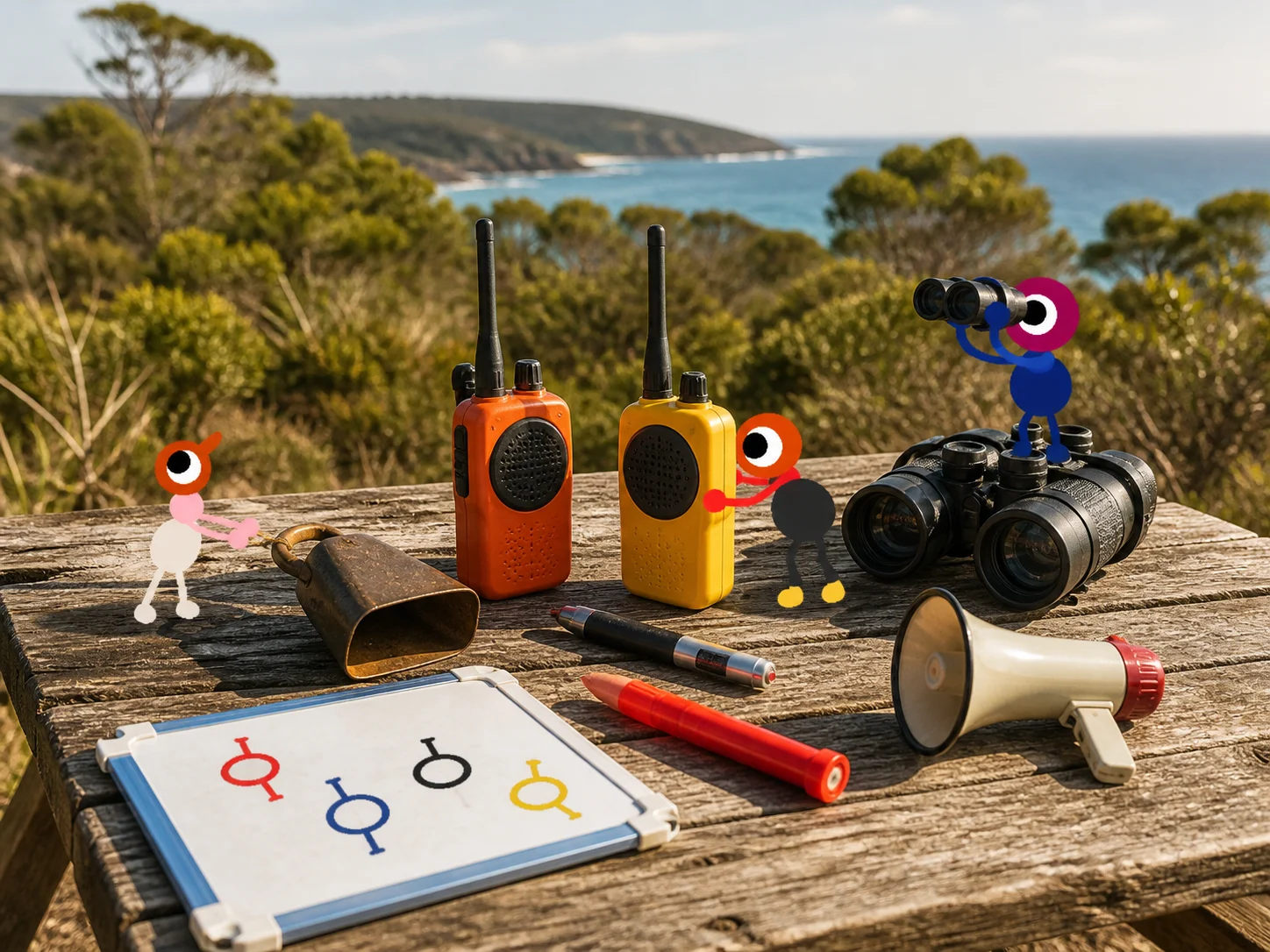
- Independent arms. PlayStation Blog's hands-on report confirms that on a pad R2 and L2 raise each arm individually, and R1 and L1 point them forward. Your two arms move separately, which is what lets you point one direction while someone else does something elsewhere.
- Rebinding is everywhere. The official FAQ confirms you can rebind controls (Settings > Rebinding) and choose "Hold" or "Toggle" for some actions — so if a default doesn't suit you, change it.
Movement and interaction basics
The FAQ and hands-on coverage confirm the same core verbs on every platform:
- Move / run / jump / crouch — standard first-person movement; the FAQ notes you can choose Hold or Toggle for some controls.
- Grab and lift — you can pick up objects and other players. Lifting a teammate is how several puzzles and the "hoist a player to a button" solutions work.
- Press buttons, throw balls, shake bells — the puzzle vocabulary from the PS Blog session.
- Sit — sit on chairs and overlooks (it's also a trophy trigger, Big Sit).
- Voice / text chat — proximity voice and text are both supported; the communication tools page has the full picture.
Arms and gestures as language
Hands-on coverage describes the arm system as a "shared language": waving, hand-raising and pointing mirror real conversation. This matters most when proximity voice is muffled through a wall or too far to hear.
| Intent | How players do it | Why |
|---|---|---|
| "Look over there" | Point forward with one arm (R1/L1 on pad) | Guides a teammate to a mark they cannot see |
| "Wait / help here" | Raise an arm and wave | Anchors a player at a lever or gate |
| "I'm over here" | Hold a lantern high, or flare | Regrouping across fog or distance |
| "Stop, not that" | Both arms down / flail | Common emergency signal agreed in advance |
Agree on a small vocabulary before splitting up. The communication guide has a longer list of gestures and their uses.
Platform notes
- PC (Steam, Windows and Mac): keyboard and mouse work, and the FAQ confirms "most game controllers" are supported too. The settings include an FOV slider on PC and Mac only, plus motion-reduction overlays.
- PlayStation 5: DualSense with the arm triggers (R2/L2 raise, R1/L1 point) from the PS Blog hands-on.
- Nintendo Switch 2: controller input, and the FAQ confirms the Switch 2 mouse mode is supported on the PC version's features list.
- Accessibility: rebind anything, skip any challenge, multiple crosshair styles, Hold/Toggle options, FOV (PC/Mac) and motion-reduction overlays — all confirmed in the official FAQ.
Input troubleshooting
- Voice too quiet? Version
1.4.8rolls out a fix for quiet voices. Before that, check the voice troubleshooting checklist. - Controller not detected on PC? The official FAQ suggests testing on a controller website, disconnecting other peripherals, and checking platform-specific controller profiles — including a documented Xbox-wireless-on-Mac setup.
- Rebind before a big session: set your grab/point/raise keys during the tutorial showroom, then tell your group if you changed defaults so callouts stay accurate.