
Start by choosing a dependable host, invite at least one friend, and keep returning to that host's saved world. The first beach puzzles teach the core co-op interactions; the answers below cover saving, player count, joining, backpacks and the other questions most groups face in their first session.
How do I save?
You don't — the host's game saves automatically. Big Walk uses host-based sessions, so the world lives with whoever hosts. When your group plays again, everyone rejoins the host's world and picks up where you left off. The Big Walk save guide explains safe exits, resuming and PC backups.
How many players do I need?
Big Walk supports 2–12 players, and there is no single-player mode — you need at least one friend. When starting, the host picks a world version sized for 2, 3, or 4+ players, and the world adapts to that choice. There's also no matchmaking: you play with people you invite, not strangers. The co-op guide covers the whole model.
How do I join friends?
Two ways, both simple:
- Join Code — the host shares a code, you enter it, you're in.
- Friends list — join directly through your platform's friends list.
Crossplay is fully supported, so it doesn't matter if the host is on PS5 and you're on Steam.
How do I get the backpack?
Backpacks are found inside the island's blue circular buildings — each building holds a single backpack, so a full group needs to visit several of them (per Insider Gaming and games.gg). Wearing one unlocks the Big Pack trophy.
The easiest backpack to reach early:
- Cross the red drawbridge and climb the red tower.
- Use the binoculars at the top and look down the hill toward the yellow maze — a blue circular structure is visible between the tower and the maze.
- Inside, the backpack hangs from a pole in the middle of the room.
Two co-op quirks worth knowing: you can't put the backpack on yourself — a teammate has to do it, and once equipped it lets you carry a second item (one in your hands, one in the bag). Game Rant also notes that items in the backpack stay put when you tumble, unlike whatever you're holding.
Use the dedicated backpack location guide for the blue-building route, group loadouts and Big Pack troubleshooting.
How do I change color / customize my character?
Your character has three independently paintable body sections, and painting is a co-op activity: one player loads the brush from a colored square and applies it to another, per gamerblurb's customization guide. The basic color station sits in the first grassy field right after the tutorial room — no unlock needed — and you can repaint as often as you like.
The trophy-relevant upgrade is the metallic paint: a secret salon hidden inside the tunnel network holds a palette with three metallic colors — gold, silver and bronze. You'll need to unlock the tunnels first (via the yellow tower), and Insider Gaming confirms a teammate only needs to paint one body section metallic to pop Big Makeover ("get shiny").
The Big Makeover route follows the colored tunnels from the blue-tower entrance to the hidden salon.
Can I skip a puzzle?
Yes. Big Walk's accessibility options let you skip any challenge — so a puzzle that frustrates one player never stalls the whole group. The same options menu includes rebindable controls, an FOV slider and motion-sickness options.
Voice chat too quiet?
Quiet voice chat was a known issue for some players, and the official FAQ now says version 1.4.8 fixes it. Make sure everyone is on the latest version first. If it persists, things to check:
- Your in-game voice settings first.
- On PS5: there's a dedicated voice-chat mute toggle — make sure it isn't the culprit.
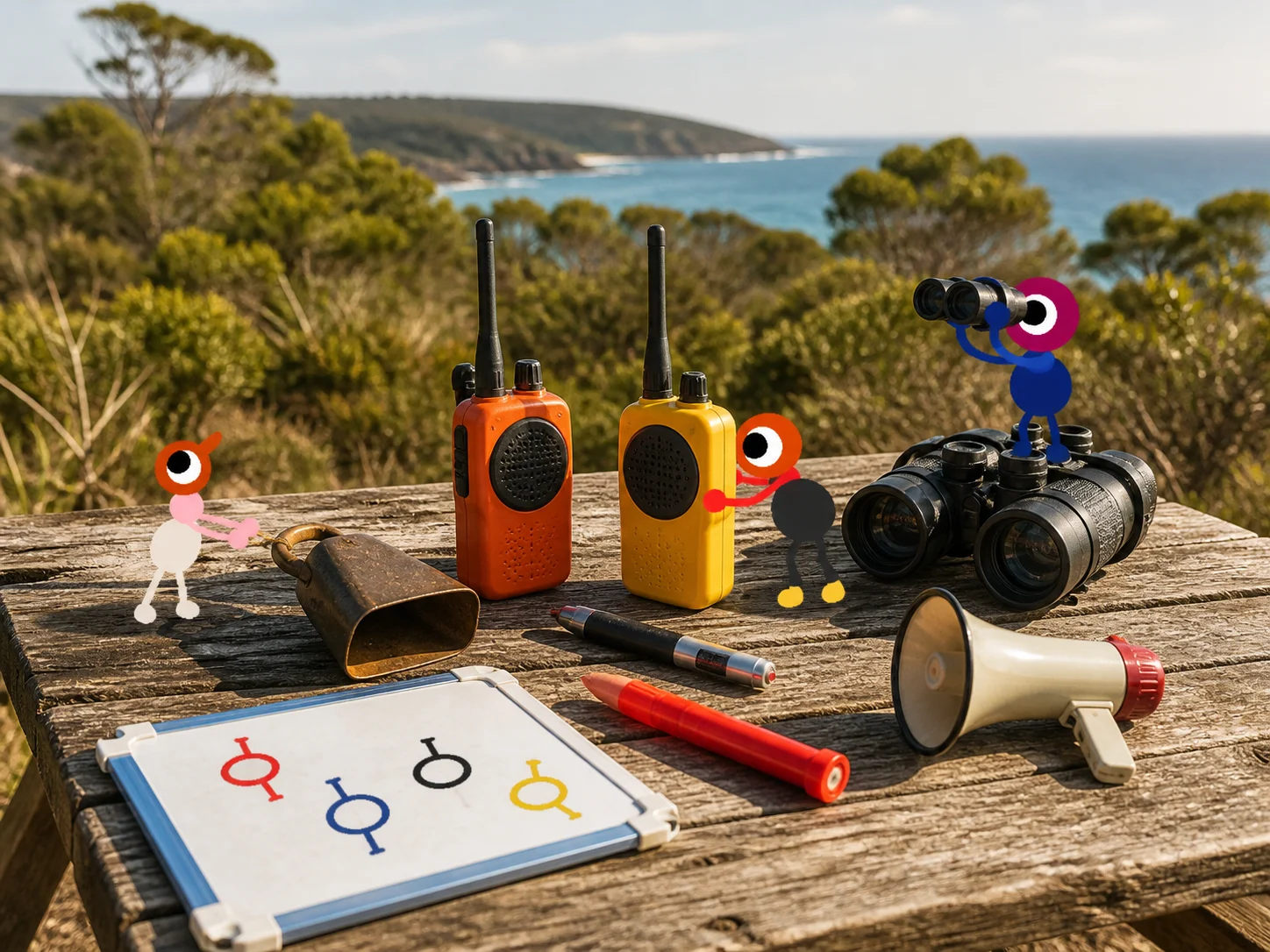
- Remember that proximity chat is intentional: friends far away should sound far away. For cross-island conversation, use the walkie-talkies.
The communication guide explains a simple flare, lantern and laser vocabulary for groups that cannot hear each other. The item guide also lists which bags and radios are worth carrying.
Performance tips
If the game runs poorly, the official FAQ's advice is to lower the Render Scale in the settings. That's the first dial to turn before touching anything else — especially on older hardware.
Where next?
Once the basics click, the island opens up: start the train, claim the map, and work toward the ending at your own pace. If your group wants a route instead of a free roam, follow the recommended walkthrough.
Can you play without a microphone?
Yes. The official FAQ says in-game text chat can support the whole game, but it follows the same distance and soundproof-glass limits as voice and works with walkie-talkies. Outside-game voice chat bypasses the communication puzzles, so keep it as an accessibility or recovery option rather than presenting it as the intended route.