
Communication is not optional polish in Big Walk; distance is one of the game's puzzles. The official FAQ confirms proximity voice chat and radio-style tools, while PC Gamer's communication feature explains why the island is built around them.
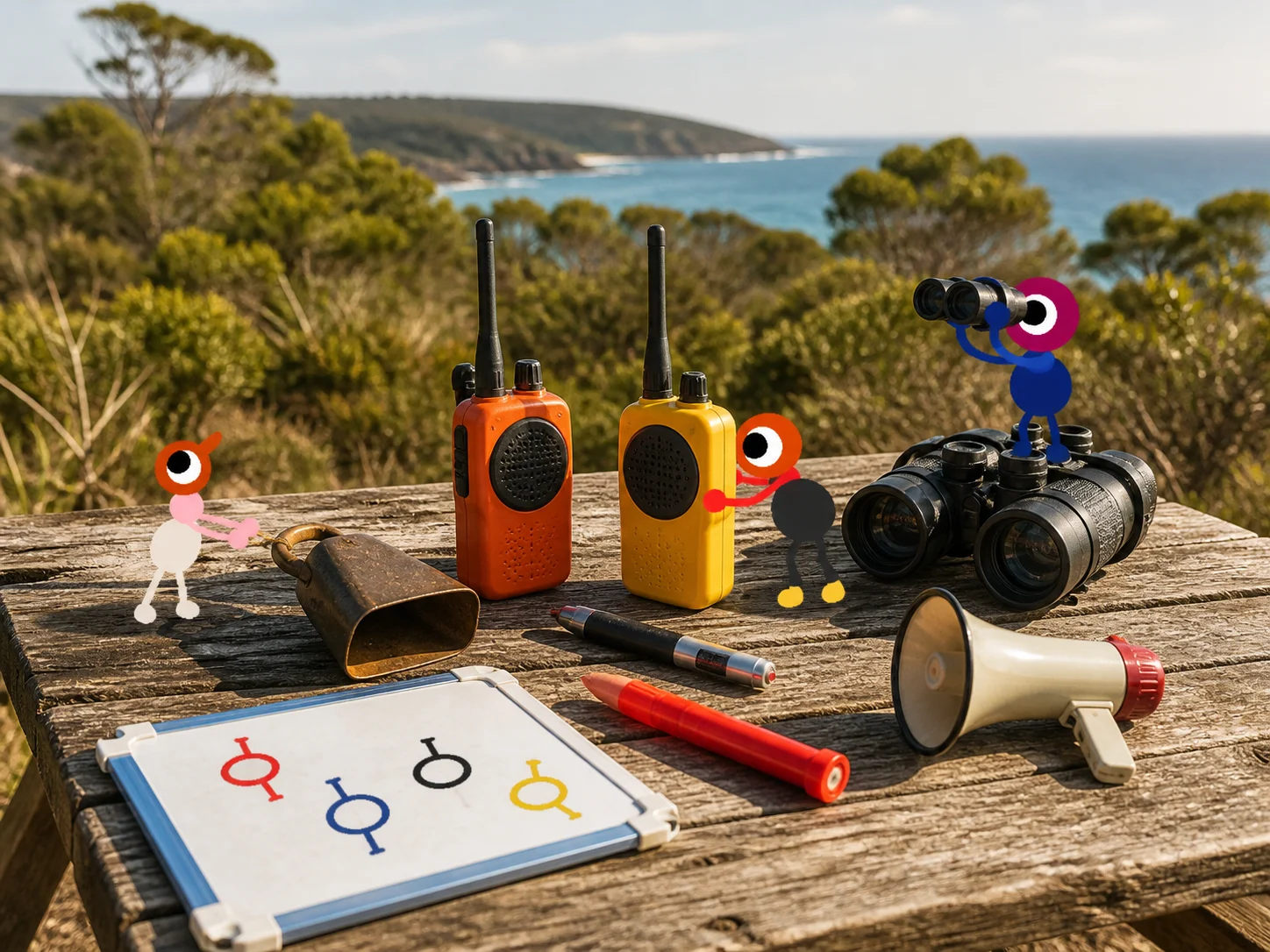
Use the right channel for the distance
| Situation | Best tool | Call format |
|---|---|---|
| Same puzzle room | Proximity voice or text | “Blue screen, top row, left symbol” |
| Across a valley | Walkie-talkie / handheld radio | “North tower team, answer on channel 3” |
| Nobody can hear voice | Flare, lantern, laser or cowbell | One agreed signal means “regroup” |
| A timed co-op input | Voice plus a countdown | “Three, two, one, press” |
| A split-team handoff | Radio plus coordinates | Repeat the coordinate and the landmark |
Never give a direction without a reference. “Over there” is ambiguous on a mountain; “3550, 1100 beach panel” is actionable.
Proximity voice and text chat
Proximity chat is intentionally local. A teammate who sounds quiet may simply be far away, underground or behind a ridge. Before changing settings, walk closer and check whether the voice becomes clear. Text chat is useful for a coordinate, a sequence of symbols or a puzzle answer that the speaker cannot repeat.
If voices are genuinely too quiet, check the in-game voice controls. On PS5, also check the dedicated voice-chat mute toggle. The beginner FAQ keeps the official troubleshooting notes in one place.
Walkie-talkies, transmitters and receivers
Handheld radios are for long-distance conversations; fixed transmitters and receivers are the island's relay network. A clean handoff looks like this:
- Give one player the handheld radio and another player a transmitter or receiver.
- Activate the fixed station and note its channel.
- Have both players select the same channel before speaking.
- Say the destination coordinate first, then the instruction.
- Switch back to proximity chat once the teams reunite.
The radio channel guide lists the seven known channels. The transmitter walkthrough covers the fixed stations and the train-loop route.
Build a visual language
Agree on these meanings before anyone climbs a tower:
- Flare: regroup at the flare.
- Lantern held high: I am at the meeting point.
- Laser dot: interact with this exact object.
- Directional torch: travel in the beam's direction.
- Cowbell: stop and look for the caller.
- Jumping or waving: I found the route; do not activate it yet.
Signals should supplement words, not replace coordinates. If your group uses a different meaning, write it in the session chat before the first split.
Puzzle-call etiquette
- Name the object, position and action in that order.
- Give one player ownership of a lever, screen or timer.
- Count down only after every required player confirms “ready.”
- Repeat a sequence once; do not shout five different corrections at once.
- Assign one radio operator per team so the channel does not become noise.
Discord or a party chat can make communication easier, but it also bypasses the intended distance puzzle. For a first run, keep at least one team on the in-game tools; for accessibility or a reconnect, use whatever channel lets everyone participate.
Sources
- Official Big Walk FAQ
- PC Gamer on communication as a puzzle
- Screen Hype: radio channels
- Screen Hype: radio transmitters
Can you play without a microphone?
Yes. The official FAQ says in-game text chat can support the whole game, but it follows the same distance and soundproof-glass limits as voice and works with walkie-talkies. Outside-game voice chat bypasses the communication puzzles, so keep it as an accessibility or recovery option rather than presenting it as the intended route.