
Big Walk supports 2–12 online players, with no single-player mode or public matchmaking. The official FAQ is the source of truth for the session model; the practical tactics below combine that model with recurring community questions about late joins and large groups.
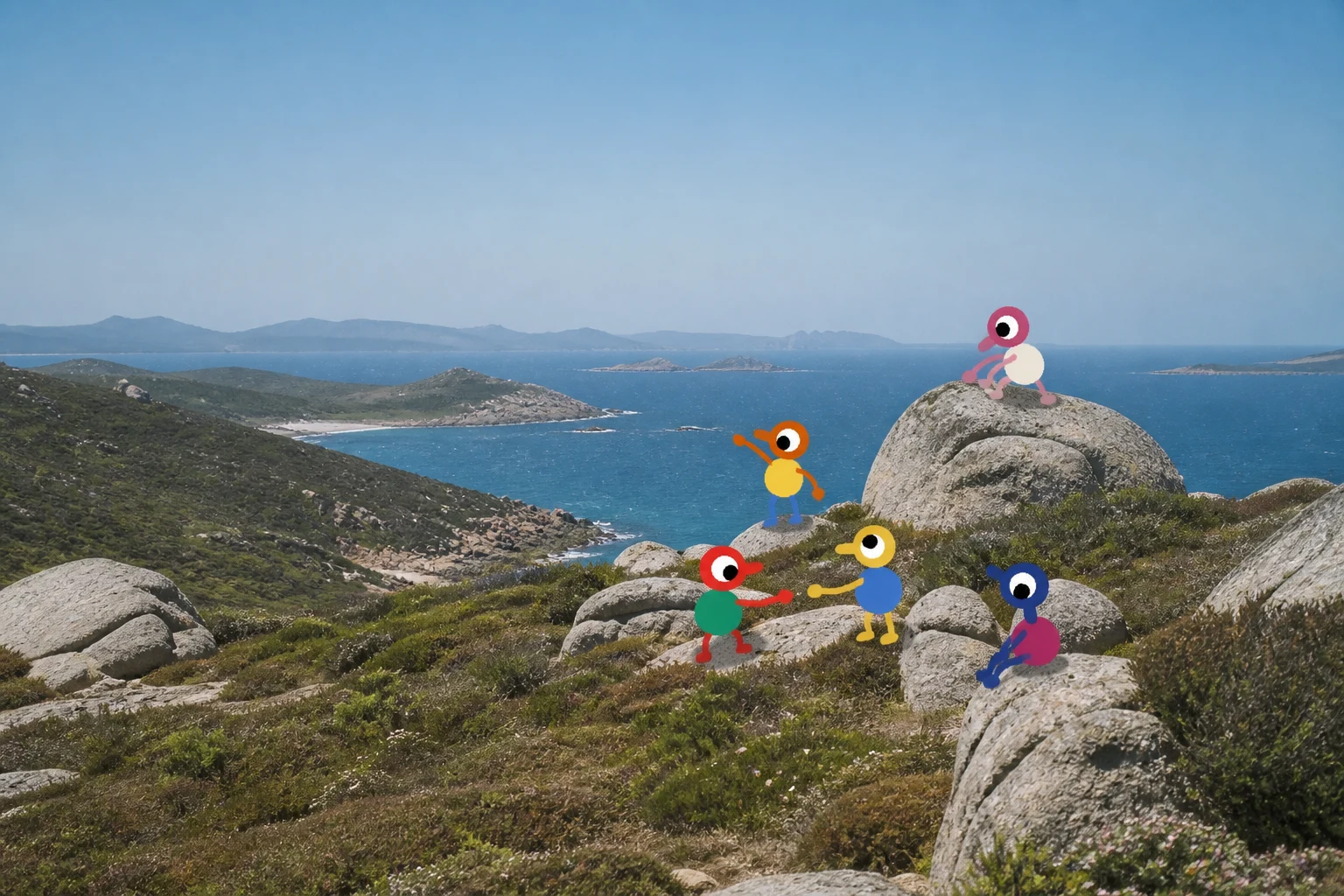
Choose a world size once
The host selects a world version for 2, 3 or 4+ players. A four-player world is not a promise that four people must stay together; it is a useful baseline for a group that expects to split into pairs. Keep the host present because the host's world autosaves.
If your expected party changes sharply after launch, recreate the lobby instead of assuming the world will rebalance. Community reports suggest that a guest joining a world created for a different target size can see odd pacing or connection behavior; treat that as patch-sensitive and use the player-count guide before starting a new run.
Roles that work
| Role | Job | Useful items |
|---|---|---|
| Navigator | Reads the map and gives coordinates | Map, compass, binoculars |
| Puzzle lead | Owns the current button, screen or object | Lantern, scanner, key |
| Runner | Moves prizes and spare tools | Backpack, carrier bag |
| Radio operator | Keeps split teams connected | Walkie-talkie, flare, megaphone |
For eight to twelve players, duplicate the roles by region. Do not send twelve voices to one timer; send one pair to the puzzle and a second pair to scout the next route.
Splitting a large group
- Agree on a meeting coordinate before splitting.
- Give each team a color or tower name.
- Put teams on separate radio channels.
- Leave one player at a console or station until the runner confirms the handoff.
- Regroup after every major unlock so late joiners can see the new route.
The communication guide has a compact signal vocabulary. A flare at the agreed coordinate is more reliable than a ten-line voice description.
Late joins and reconnects
Players can join and drop in and out of an active session freely — IGN's review notes it is easy for people to pop into the adventure for a bit — but the save stays tied to the player who originally hosted the game. If the host is away, the rest of the group cannot continue that same world.
Community players report that joining mid-session can place a newcomer near the host rather than beside the team they expected. Treat that as a logistics problem, not a lost save:
- Have the host pause at a safe landmark.
- Send the late joiner the host's coordinate and a flare.
- Give them a spare backpack or hip item before the next split.
- Do not move a tower key until every expected player confirms the route.
Community report / To be confirmed: exact spawn behavior can vary by platform and patch. If a guest cannot find the host, leave the session and rejoin through the Join Code before assuming the world is corrupted.
When a disconnected player sees Connection to host timed out, have the host close the game completely, relaunch, load the autosave and create a fresh code. The same Steam report says that simply switching hosts did not clear the old connection. This is a useful launch-week workaround, not an official guarantee; the troubleshooting hub has a report template.
Puzzle etiquette
- Say “ready” before a countdown.
- Let one person read a symbol sequence; everyone else repeats only corrections.
- If a player is uncomfortable with a challenge, use the accessibility skip and mark it for the 100% cleanup pass.
- Keep Discord or party chat optional when you want the intended distance puzzle; use it freely for accessibility, language or reconnect support.
See the co-op overview for platform and save rules, and the known issues page before troubleshooting a session.