
Start with the official Big Walk FAQ. It is the authoritative list for launch issues; the items labelled community report below are useful patterns, not confirmed platform-wide bugs.
Voice chat is too quiet
Updated: the latest patch is 1.5.1, published on Steam on 28 August 2026. The quiet-voice fix itself shipped earlier in 1.4.8 on 7 August 2026. It "fixes a known issue with quiet voices for some users" (official FAQ) by bringing quiet microphone setups up to the intended volume — the effect can take a few seconds to calibrate when someone first talks. Make sure everyone is on the latest patch before troubleshooting further.
If quiet voices persist on the latest version:
- Check the game's voice settings.
- Move closer: proximity voice intentionally falls off with distance.
- On PS5, check the dedicated voice-chat mute toggle.
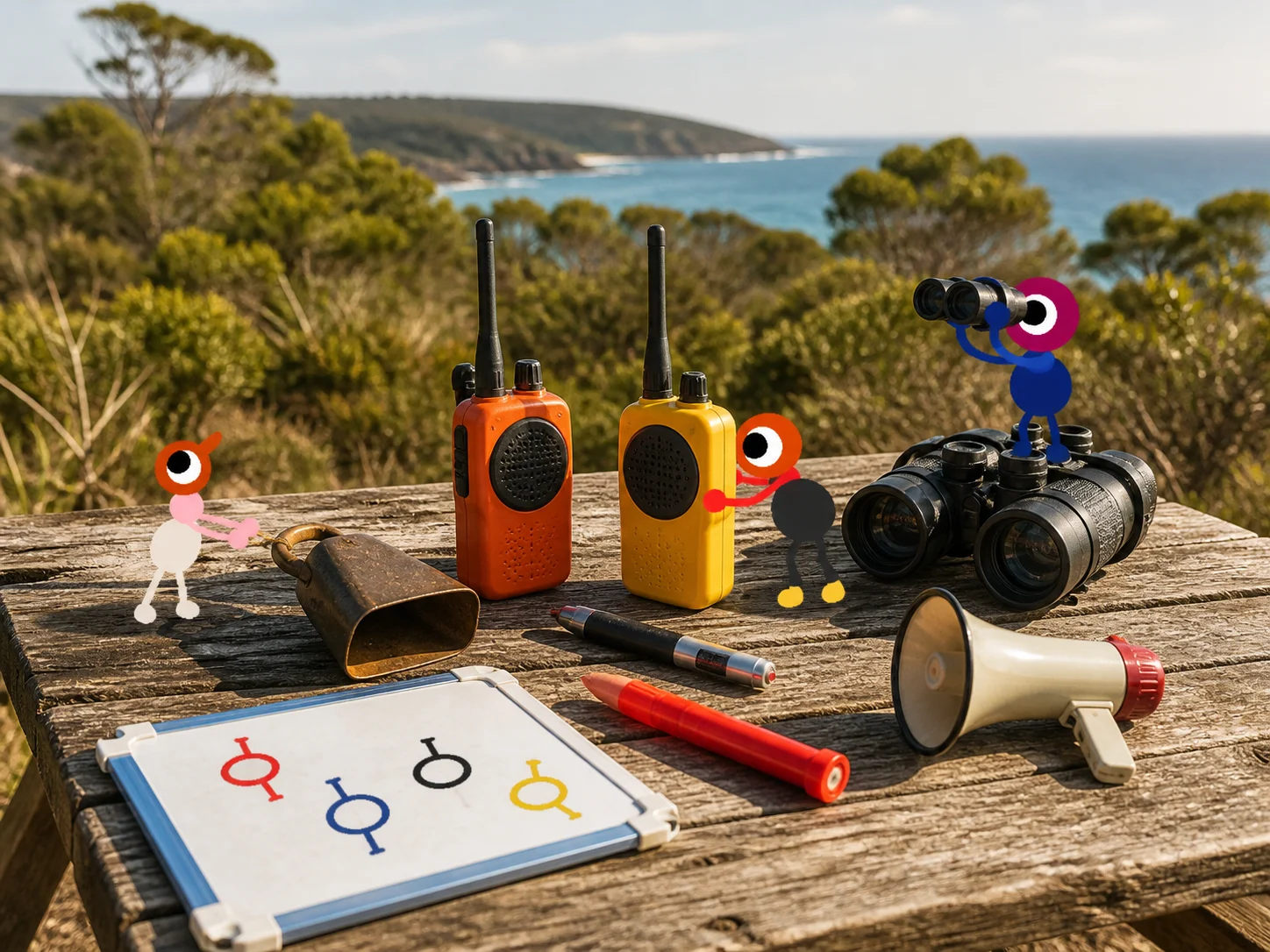
- Use a walkie-talkie or fixed radio for a team on the other side of the island.
After 1.4.8, remaining quietness at distance is by design: House House confirms it has not changed the distance at which voices drop off, calling proximity chat "an important part of the game's design". The patch raises quiet setups to the intended volume — it does not make distant voices audible.
If a headset works in another game but not here, record the platform, input device and distance from the speaker before reporting it. See communication tools for a fallback signal plan.
Frame rate or blurry image
Lower Render Scale first, as the official FAQ recommends. Then restart the host session before changing several graphics settings at once; that makes it easier to tell which setting helped.
Reconnect and late-join checklist
- Confirm the host is still in the saved world.
- Rejoin through the Join Code or platform friends list.
- Meet at a named landmark, not a vague direction.
- Check the shared puzzle log before moving a key or prize.
If the error says Connection to host timed out, fully close the host's game, relaunch it, load the autosaved world and create a fresh Join Code. Switching hosts while the original host is still open may not clear the connection. This is a community-reported workaround, not a guaranteed engine rule; record the platform pair and world size if it fails. See the full troubleshooting hub for the step-by-step report template.
GPU spikes, freezes and hard crashes
Launch-week Steam threads describe a black screen with audio still playing, a locked PC and GPU temperatures rising in the same island area. Treat this as a community report. Try VSync or a frame-rate cap, lower Render Scale, close overlays, verify files and watch temperatures before repeating the route. Do not power-cycle a machine as a routine fix or delete the host save.
Sources: hard-crash report · graphics settings thread
Save missing after a crash
A player reported a memory-error crash followed by an empty load list even though a file still existed. Stop creating new host worlds, back up the existing save directory if you can identify it, and ask official support before renaming or deleting anything. The local path varies by platform, so this page does not guess one.
Source: Steam save-after-crash report
Since 1.5.1, the in-game save-deletion menu shows the name of the save being deleted, which makes it easier to confirm the right world before removing one. Deleting a save is still not a fix for a gameplay issue — see the "What not to do" section below.
Completed challenge reset on an older save
Fixed in 1.5.1. The patch fixes "an issue where saves made before 1.4.9 could have a challenge that reset itself after completion and was no longer possible to finish" (official version history). Update to 1.5.1 and retry the challenge.
This affected only saves created before version 1.4.9: once the player completed a challenge, it could reset itself and could then no longer be finished. The 1.5.1 notes describe no separate recovery step for a challenge that had already reset before the patch, so if one still will not complete after updating, contact House House support through the official FAQ with the challenge name.
Source: Big Walk version history — 1.5.1
Mic volume is too low
Check the operating-system input level, the selected headset, the game's voice setting and the distance between players. Use a walkie-talkie or fixed radio for a split team. Version 1.5.1 added separate volume sliders for different audio categories, though the patch notes do not say which categories are adjustable or whether they are per-player. Independent per-player sliders remain a community request, not a confirmed universal limitation.
Source: Steam mic-volume thread
Community reports to watch
The following themes appear in launch-week Reddit threads and should be treated as To be confirmed until the developer or a repeatable test confirms them:
- Some guests reconnect at an unexpected spawn point.
- A purple reward can be hard to locate after a disconnect or partial completion.
- Large sessions can make proximity audio and item handoffs confusing.
- Platform-specific join/password behavior may differ from the official FAQ.
When reporting one, include the host platform, guest platform, world size (2/3/4+), puzzle name, coordinate and whether the host reloaded. “It vanished” is much harder to reproduce than “purple reward at 3370, 1490 disappeared after a Switch guest rejoined.”
What not to do
- Do not delete the host's save to fix a single missing item.
- Do not assume a skipped puzzle is broken; skips are an official accessibility feature.
- Do not publish a community workaround as a guaranteed fix without a second test.
Sources
Network jitter and host performance
The official FAQ links jittery characters and voices cutting out to networking or host performance. Close network-heavy programs, move closer to Wi‑Fi or use Ethernet, and lower the host’s graphics settings if their frame rate is poor. Keep this separate from intentional proximity-voice falloff and the 1.4.8 quiet-mic fix.